




Analyze Gong calls to identify product gaps, pain points, and opportunities to drive customer value.
The AI product intelligence platform that centralizes feedback, quantifies impact, and aligns product and GTM teams around what drives revenue.
About
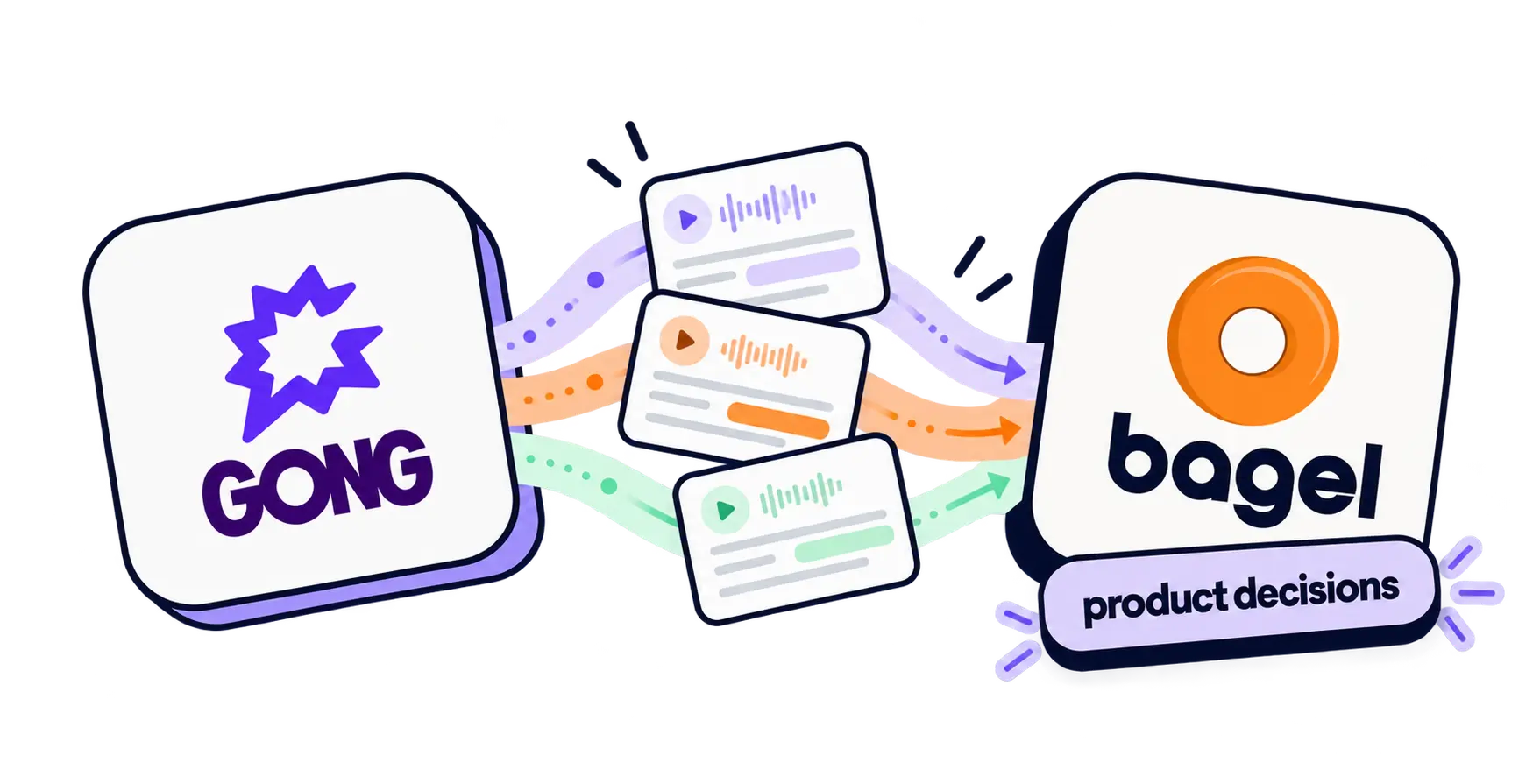
The Bagel integration for Gong parses call transcripts to identify product gaps and pain points that match product roadmap candidates.
Media
Features

Use Gong Data in Bagel Technologies
By parsing Gong Call Transcripts, Bagel finds product feedback and maps to product development candidates to help product teams understand customer needs and prioritize roadmaps.
Benefits
Access your company's product brain
Make decisions and take action based on actual customer feedback and context, revenue data, and more.
Built for the future of product development
Identify what to build next, prioritize based on real customer data, and ground decisions and development workflows in customer context throughout the ADLC.
FAQ
Bagel AI currently only analyzes the text transcripts of the calls
Typically, Customer facing calls such as QBRs, weekly calls, Sales Calls. These are calls in which Product Gaps are likely to be discussed.
Bagel AI is SOC2 Compliant with a recent Q4, 2024 Audit and is taking all required measures to protect its customers data both in transit and while stored.
Integration Diagrams
Data
Gong Call Data
Gong Call Data

Data
Bagel Technologies
Bagel Technologies
Requirements
Subscriptions Required
Requires a Bagel AI subscription
Authenticating User Requirements
To authenticate this integration for the first time, a user must be a Gong Tech Admin and have admin permissions in Bagel Technologies
Connect
- Go to Settings-Integrations in Bagel UI
- Ensure you are logged in as a Gong Business Admin
- In the "Gong" integration line, click on the "+" sign
- Select "Authorize" and then "Allow" to enable the integration
- Choose "Import Now" to start the import process