





Link to Gong
Modern B2B Post-Sales tool
About
Sayless is a post-sales B2B tools for customer support, success and account management teams to do all their work in one place.
Media
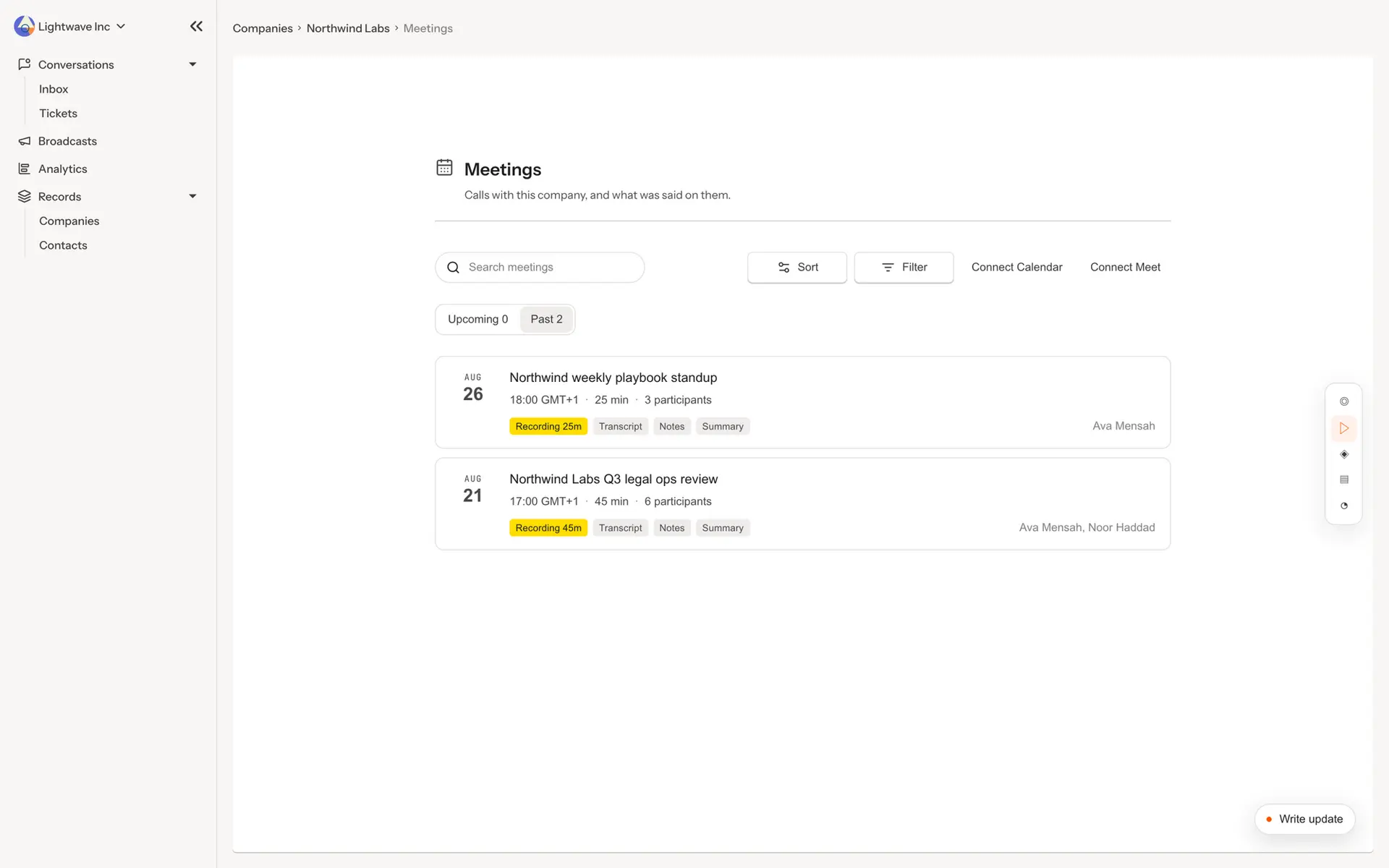
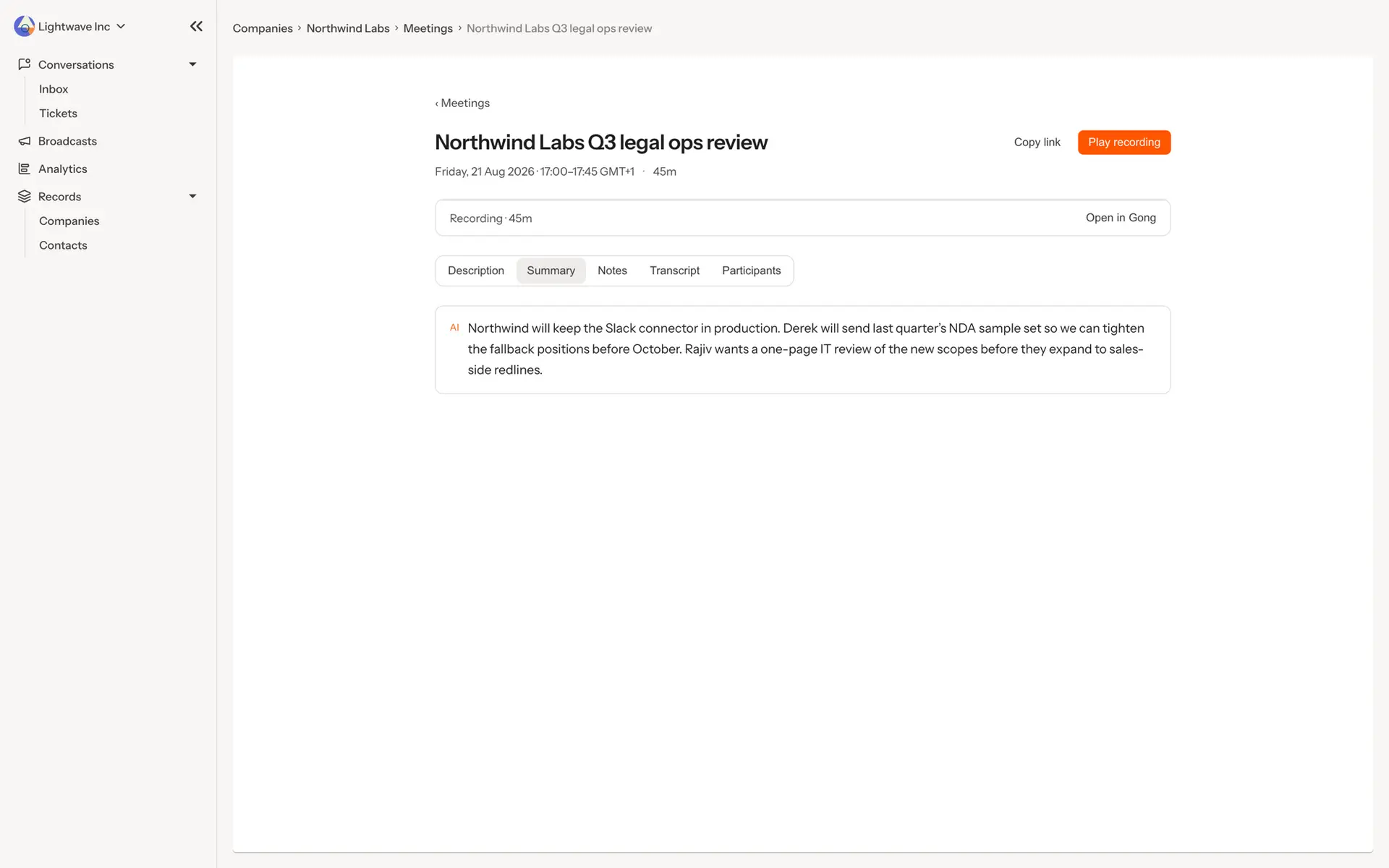
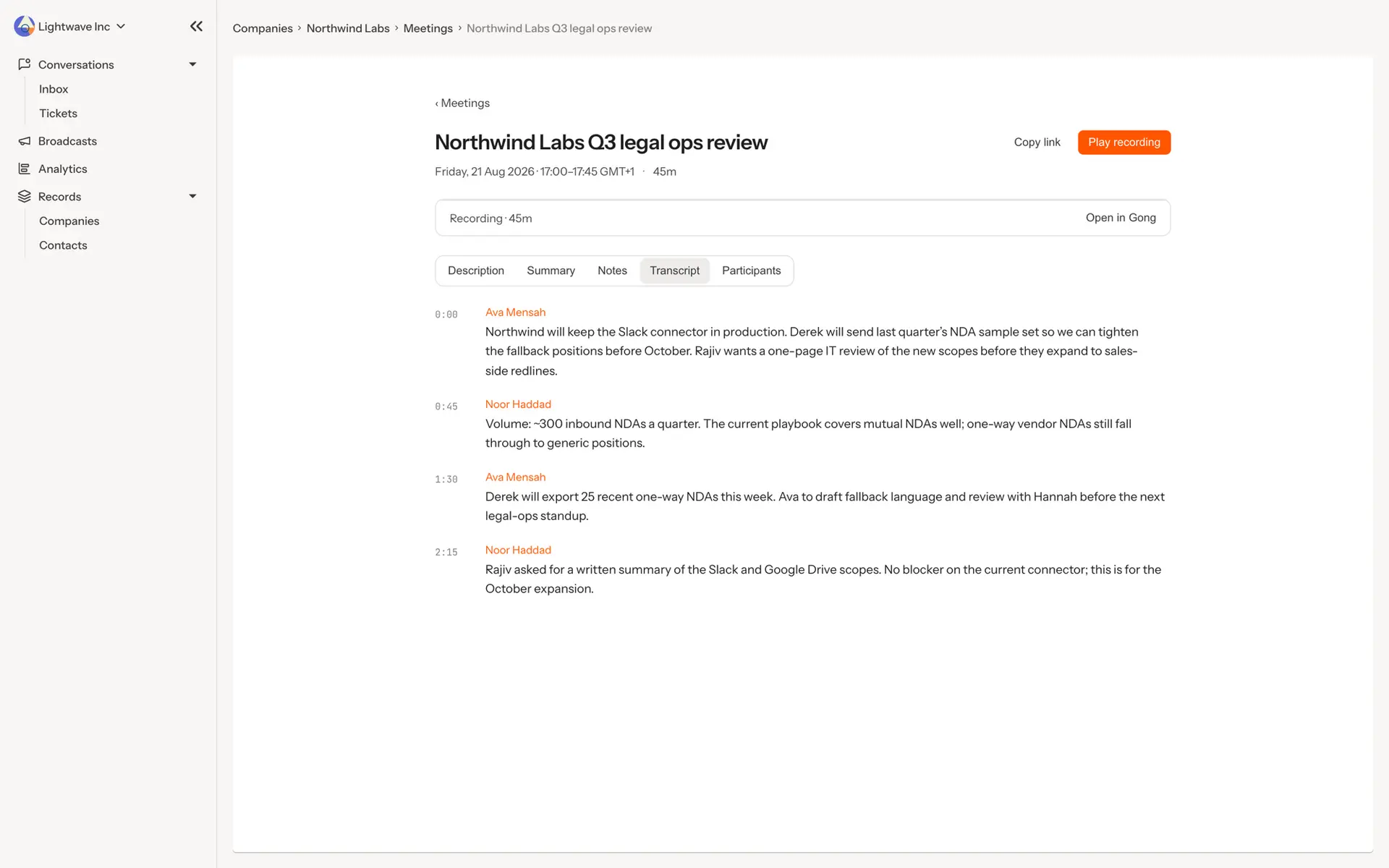
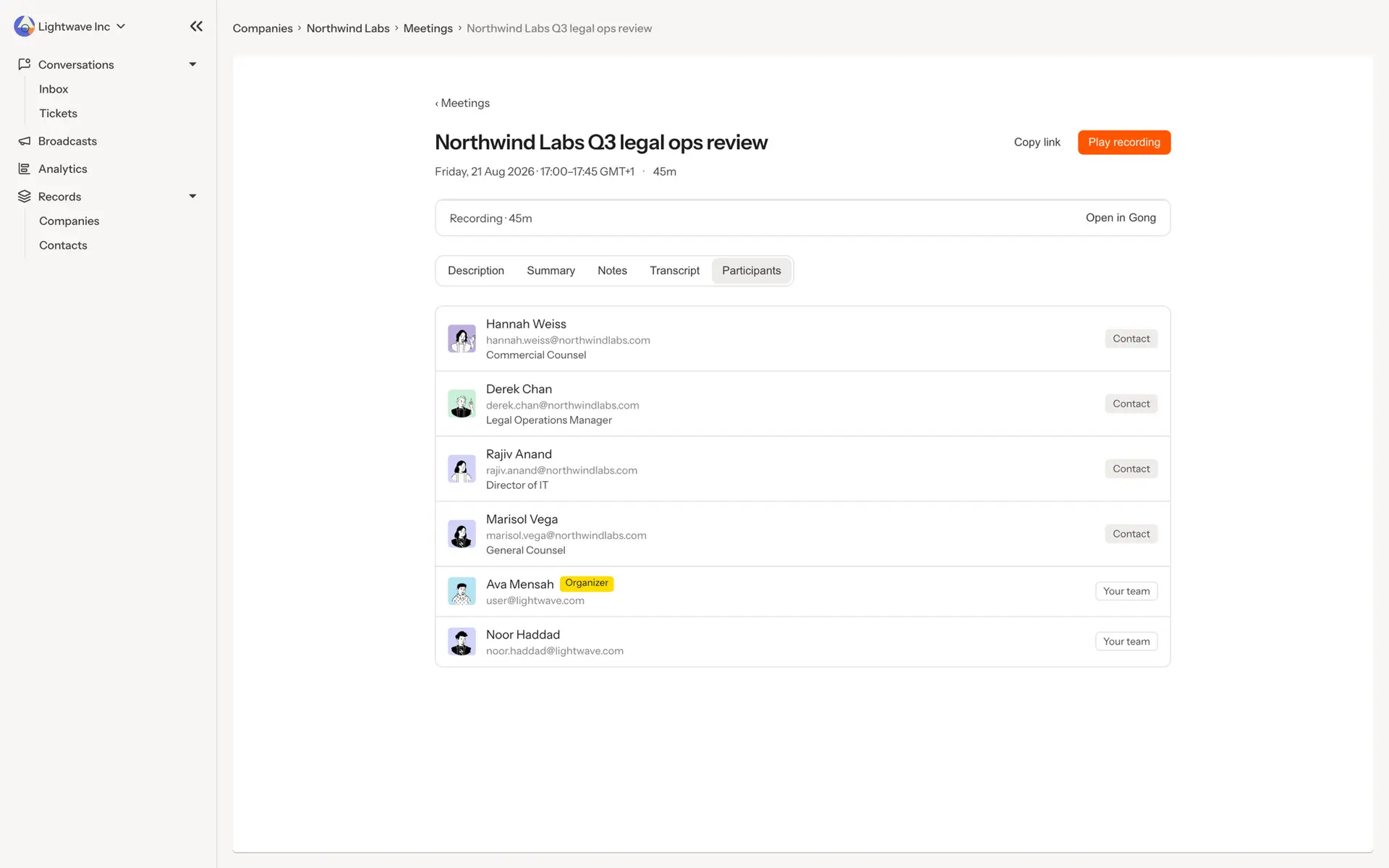
Features
Use Gong Data in Sayless
What Gong data Sayless uses
- Call details: title, date, duration and a link back to the call in Gong.
- Participants: names, emails and titles, used to match each call to the right contacts and company in Sayless.
- Gong call brief: shown as the meeting summary.
- Transcript: the full, speaker-labelled transcript, readable on the meeting page.
- Recording: audio or video playback in Sayless. Media is streamed from Gong using its time-limited links and is never re-hosted by Sayless.
Calls appear as meetings on the matching company’s page, alongside its conversations, tickets and notes. If the same meeting is already in Sayless from a connected calendar, the Gong data is added to it rather than creating a duplicate. Sayless only reads from Gong and never writes back.
Benefits
One place for context
Deep customer context all in one place, emails, tickets, meetings and transcripts together
FAQ
A Sayless workspace admin connects Gong using Gong’s OAuth sign-in, and must be able to approve access to the Gong account. Sayless requests read-only access to calls, call details, transcripts and media links. The Gong integration is included on Sayless Scale and Enterprise plans.
- When you connect: Sayless imports calls from the last 90 days that the connected Gong account can access.
- After that: new calls arrive only through a Gong automation rule that a Gong admin sets up manually (see “How do new calls sync?”). Only calls matching the rule’s filters are sent.
- Private calls: calls marked private in Gong are never imported.
All members of the Sayless workspace. Calls are attached to the matching company, and the summary, transcript and recording are visible to everyone in the workspace. Sayless doesn’t copy Gong’s per-call permissions, so use the automation rule’s filters to control which calls are shared. Data is isolated per workspace, and external users of the Sayless customer portal never see meetings, transcripts or recordings. Only workspace admins can view or change the Gong settings.
A workspace admin can disconnect Gong at any time from Settings → Gong. Sayless stops using the Gong tokens and rejects any further calls sent by the automation rule. Calls already imported stay in Sayless until they’re deleted.
OAuth tokens are encrypted at rest and refreshed automatically. Each workspace gets its own unguessable webhook address, which only accepts calls for that workspace.
Setup
- A Sayless workspace admin opens Settings → Gong in Sayless and clicks Connect, then approves access in Gong. Sayless automatically imports calls from the last 90 days.
- Sayless then shows a unique destination URL for your workspace.
- A Gong admin opens Company settings → Ecosystem → Automation rules in Gong and creates a rule that filters the calls to share. They set the action to Fire webhook, choose URL includes key as the authentication, and paste the destination URL.
- Enable the rule and use Test now to confirm.
From then on, each new call matching the rule is sent to Sayless automatically after Gong processes it. Gong doesn’t let third-party apps create webhooks, so step 3 must be done by a Gong admin. Without the rule, Sayless only has the calls imported when you first connected.
Integration Diagrams
Data
Meetings
Meetings

Data
CRM
CRM
Requirements
Subscriptions Required
Must have Sayless scale subscription
Must have Gong paid subscription
Must have Gong paid subscription
Authenticating User Requirements
To authenticate this integration for the first time, a user must be a Gong Tech Admin and have an admin permissions in Sayless
Connect
Connect your gong account, read and listen to meeting transcripts right within Sayless