









Truto Unified API for Native Gong Integrations
Build native integrations fast with Truto. Integration is a solved problem. Why have your best engineers work on integrations when they can focus on architecture, design, and product?
About
Build a Gong native integration in minutes with Truto’s Unified API.
Engineering teams spend valuable time building and maintaining native integrations instead of improving the core product. Disparate APIs, OAuth complexity, and breaking changes often slow you down and create poor customer experiences.
Truto simplifies this with a single, unified API. Connect to Gong and other popular apps with straightforward configuration, so your customers get seamless native integrations faster. Truto also helps sales teams close more deals, gives CXOs clearer cost control, and lets product and engineering leaders focus resources on the core roadmap.
Engineering teams spend valuable time building and maintaining native integrations instead of improving the core product. Disparate APIs, OAuth complexity, and breaking changes often slow you down and create poor customer experiences.
Truto simplifies this with a single, unified API. Connect to Gong and other popular apps with straightforward configuration, so your customers get seamless native integrations faster. Truto also helps sales teams close more deals, gives CXOs clearer cost control, and lets product and engineering leaders focus resources on the core roadmap.
Media
Features
Add Contacts from Truto to Engage Flows
Instantly push contacts through Truto's Data Layer directly into Gong Engage flows to trigger personalized outreach sequences. Instead of relying on delayed database syncs, you can route real-time contact data from your CRM, support tools, or any of our 600+ connected systems straight into Gong. This ensures your sales teams are automatically enrolling prospects into Engage campaigns using the most accurate, up-to-the-second information available.
Use Gong Data in Truto
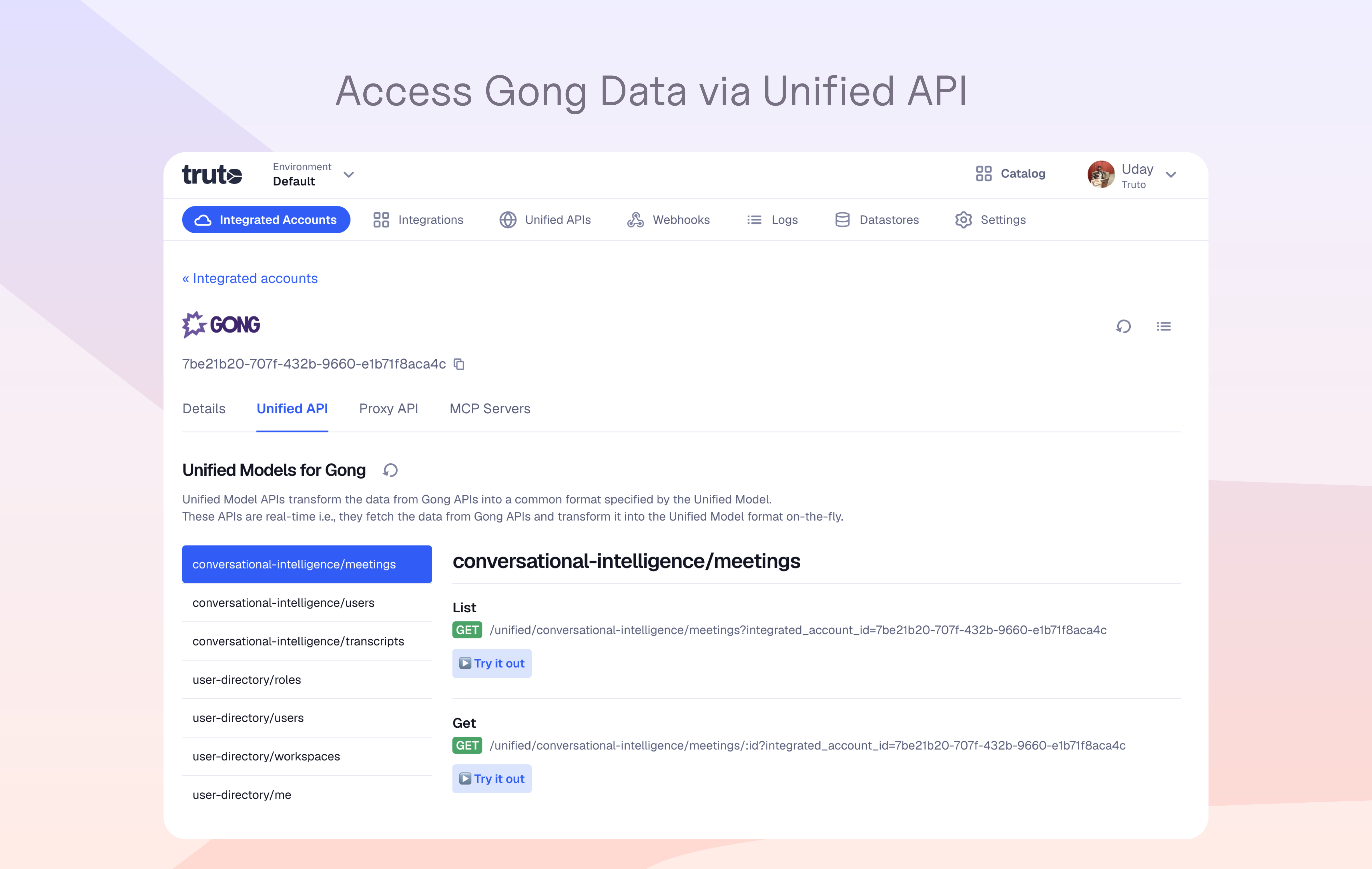
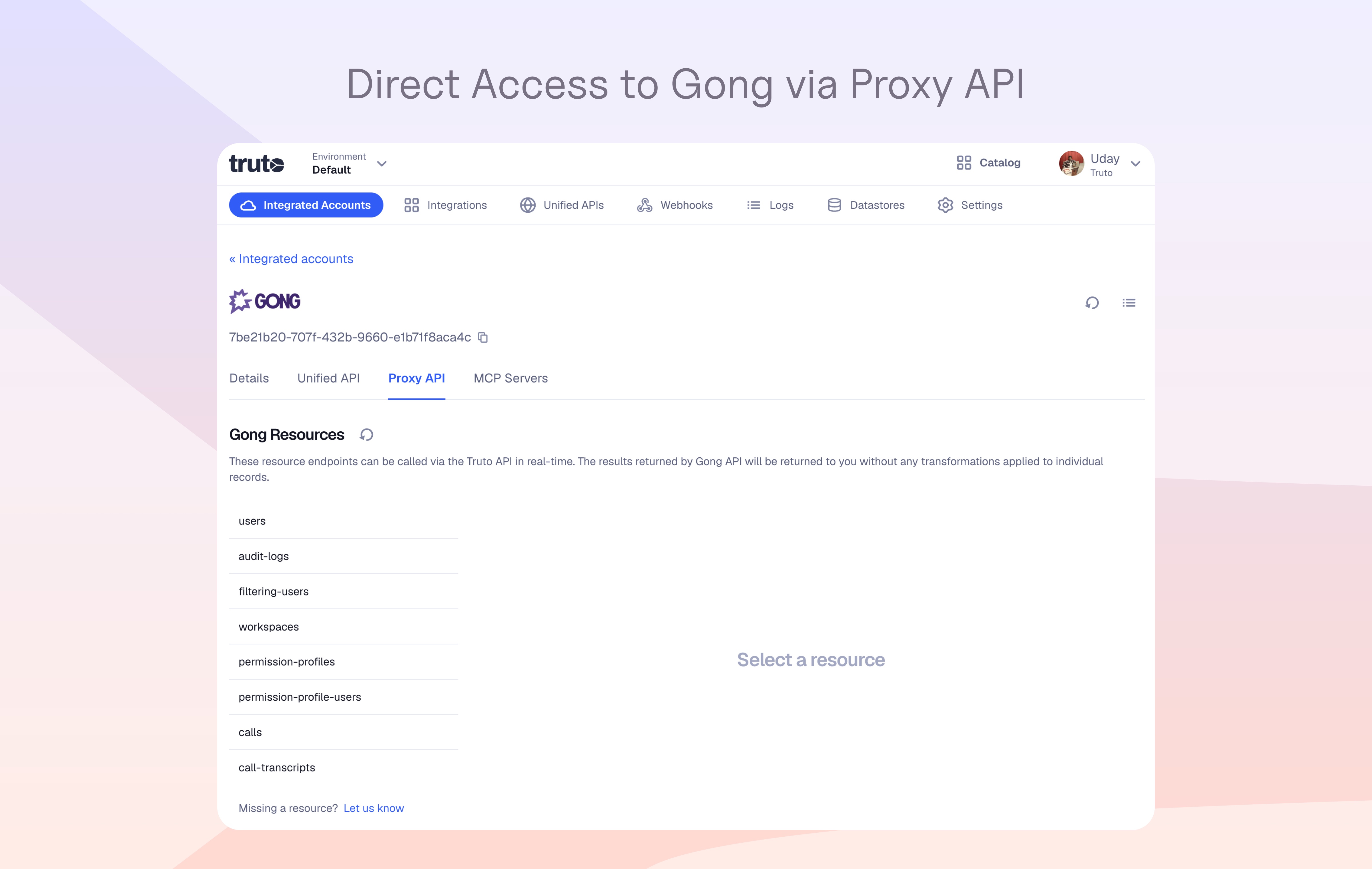
Query and stream comprehensive Gong data objects in real-time through Truto’s Unified API layer. Because Truto acts as a secure pass-through connection rather than a database, you can access the following Gong data on demand without storing duplicate records:
- Conversations & Calls: Call metadata, full transcripts, media URLs, and call participants.
- Engagement Insights: Trackers, interaction stats, and topic extraction.
- Users & Workspaces: User profiles, team assignments, and workspace details.
This real-time visibility enables teams to standardize Gong intelligence alongside CRM, support, and marketing systems from over 600+ supported connectors for advanced automation, analytics, and SuperAI workflows, without building custom integrations.
Provision Gong Users from Truto
Automatically create, update, and manage Gong user profiles in real-time. By connecting Truto's Unified API to your HRIS, identity providers, or CRM, you can instantly route user access data directly to Gong. This streamlines employee onboarding and offboarding, maintains strict role consistency across your stack, and eliminates manual admin work—all without needing to store sensitive employee records in an intermediate database.
Benefits
Ship faster
Unified API, ready OAuth flows, pagination, retries, and webhooks reduce build time from weeks to days.
20+ CRM connections
Truto provides a single API to connect Gong with leading CRMs, simplifying multi-platform data sync.
Hardened auth
Centralized OAuth, scoped permissions, and token rotation reduce risk.
Compliance friendly
Central logging and audit trails make reviews easier.
FAQ
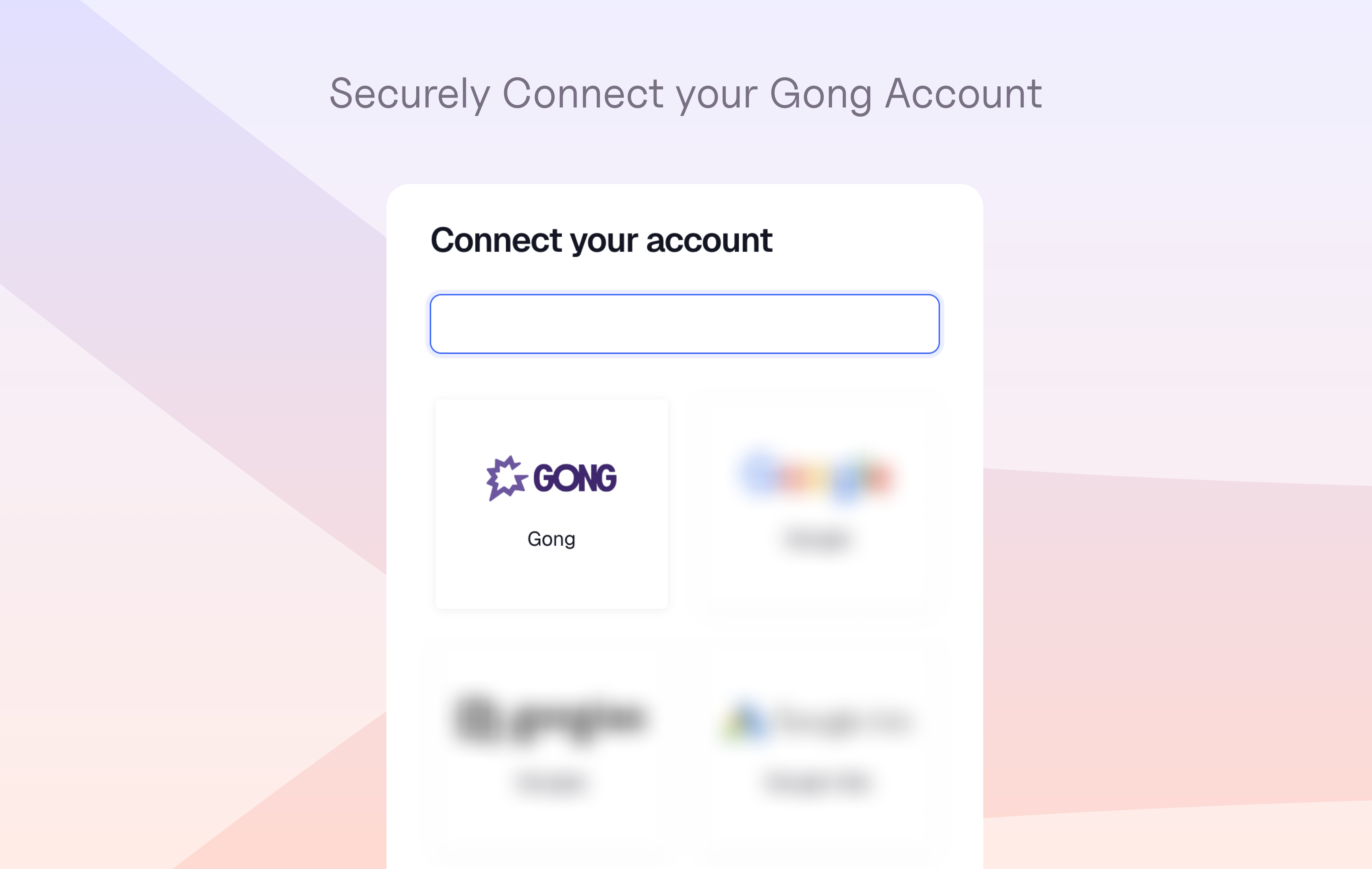
Truto connects to Gong securely via OAuth 2.0 and acts strictly as a real-time, pass-through Data Layer. We do not store your Gong data. We only request the minimum required API scopes to route your requests (e.g., reading calls/transcripts, writing to Engage flows, or managing users).
Because no data is stored at rest on our servers, any information routed through Truto adheres strictly to Gong’s native permission model and reflects the exact access level and workspace boundaries of the authenticated Gong user.
Because no data is stored at rest on our servers, any information routed through Truto adheres strictly to Gong’s native permission model and reflects the exact access level and workspace boundaries of the authenticated Gong user.
Gong enforces strict rate limits: typically 3 requests per second and 10,000 requests per day. Truto's middleware manages throttling and retry logic automatically so your application doesn't need to implement backoff strategies.
Truto maps Gong to two Unified APIs: the Unified User Directory API (covering Users, Roles, and Workspaces) and the Unified Conversational Intelligence API (covering Meetings, Transcripts, and Users). Additional tools can be built on request.
Integration Diagrams
Data
Calls
Calls
User Data
User Data

Data
Gong Customer A
Gong Customer A
Gong Customer B
Gong Customer B
Requirements
Authenticating User Requirements
To authenticate this integration for the first time, a user must be a Gong Tech Admin
Subscriptions Required
Must have an active Gong subscription
Must have an active Truto subscription
Must have an active Truto subscription
Connect
- Sign in to your Truto account
- Go to Catalogue > Integrations
- Find the Gong integration and click on 'Install'