








Product discovery and feedback platform - Usersnap
Usersnap is a product discovery and user feedback platform that helps product teams capture, analyze, and build with user evidence at all stages of the development cycle.
About
Usersnap is a product discovery and user feedback platform that helps product teams capture, analyze, and build with user evidence at all stages of the development cycle.
This integration turn sales conversations into actionable product research insights while centralizing feedback from other channels in Usersnap.
Media
Features

Use Gong Data in Usersnap
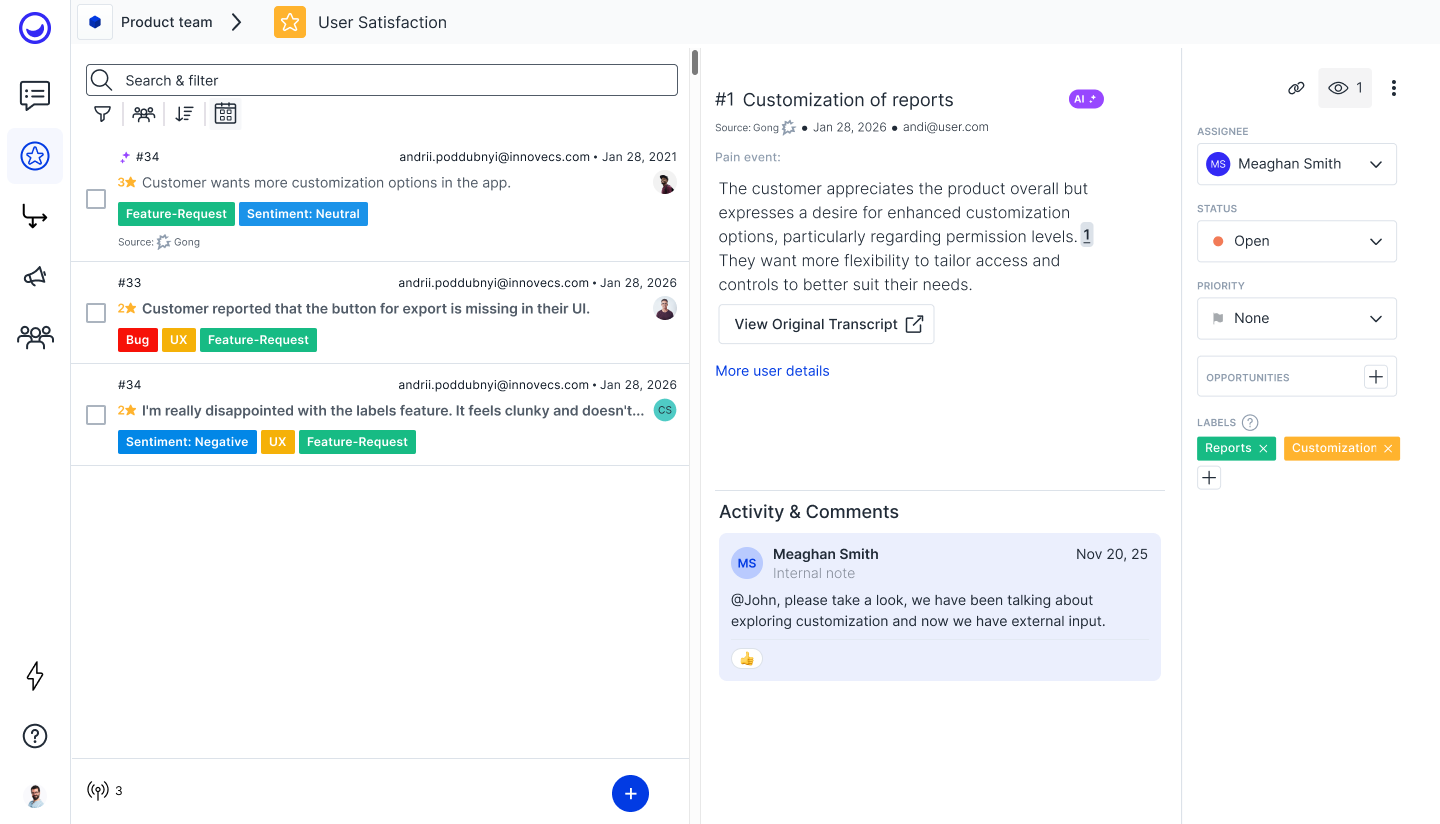
With this integration, Gong transcripts are ingested into Usersnap as structured feedback items. Usersnap analyzes each data source to extract pain points, desired outcomes, competitive mentions, market gaps, and other key signals, then distributes them to the right projects.
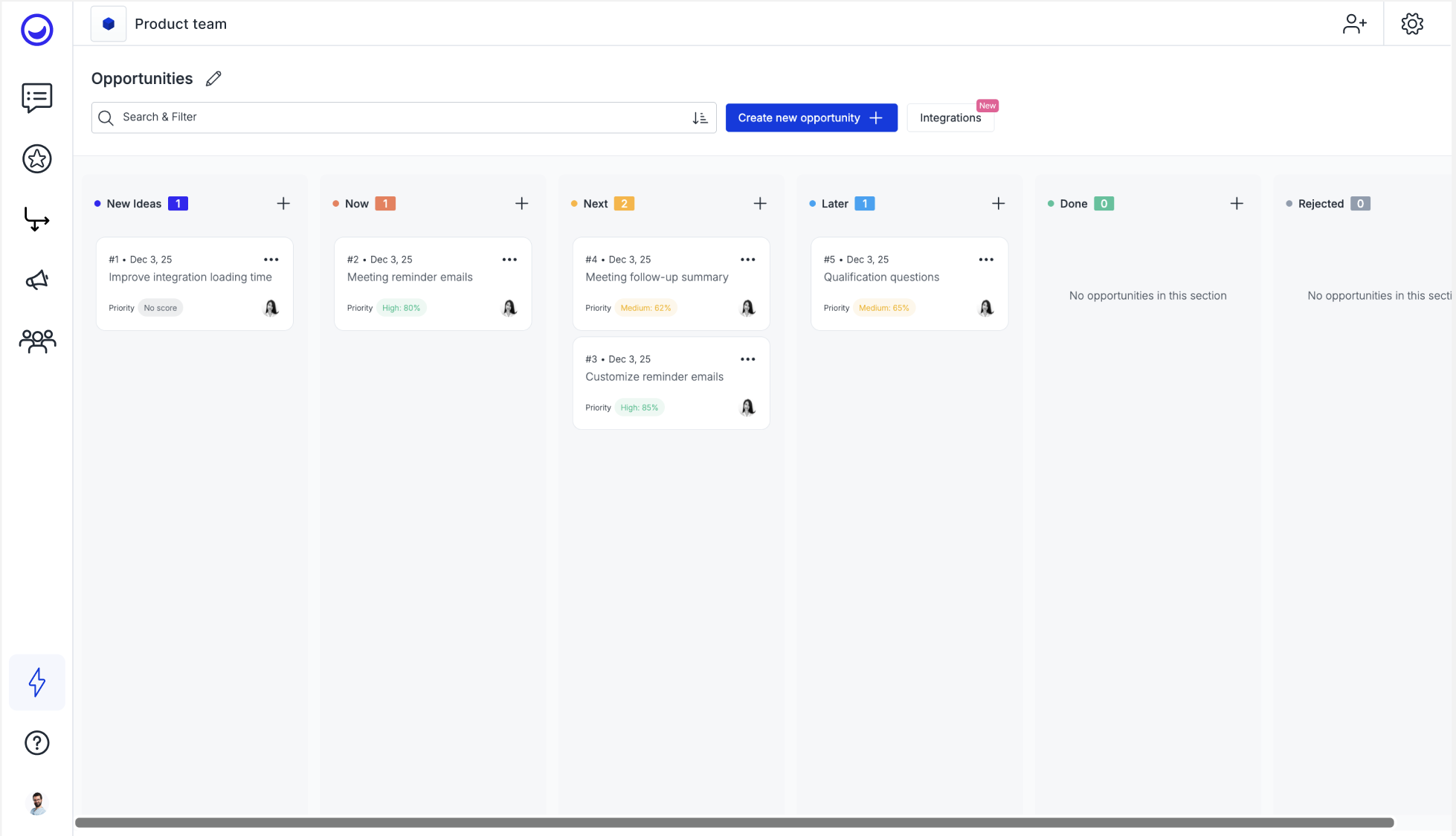
The Sentiment Sensor auto-tags, categorizes, and surfaces emerging trends while suggesting root-cause hypotheses to uncover high-impact opportunity areas. Every opportunity on the planning board stays directly linked to its supporting evidence, making it easy to trace strategic decisions back to real customer conversations.
The Sentiment Sensor auto-tags, categorizes, and surfaces emerging trends while suggesting root-cause hypotheses to uncover high-impact opportunity areas. Every opportunity on the planning board stays directly linked to its supporting evidence, making it easy to trace strategic decisions back to real customer conversations.
Benefits

Turn sales calls into product insights
Automatically convert valuable feedback from Gong into structured, discovery-ready insights in Usersnap. Don’t let critical customer signals get lost.

Centralize feedback for co-pilot product discovery
Combine Gong with in-app feedback, surveys, and other customer channels in Usersnap to create a single source of truth that guides problem discovery and evidence-based decisions.

Prioritize and build with real evidence
Use authentic customer language and real-time context from sales conversations to validate assumptions, uncover opportunities, and prioritize roadmap initiatives with confidence.
Integration Diagrams
Usersnap imports Gong call transcripts through the webhook to analyse the content and create useful product insights.
Data
Call Transcript
Call Transcript

Data
Feedback
Feedback
Requirements
Authenticating User Requirements
To authenticate this integration for the first time, a user must be a Gong Tech Admin.
Subscriptions Required
Must have Usersnap Starter subscription
Must have Gong Foundation subscription
Must have Gong Foundation subscription
Connect
- Obtain Usersnap’s webhook URL from the channel integration settings
- In Gong, go to Admin center > Settings > Ecosystem > Automation rules
- Create a new rule
- Paste your Usersnap destination URL to the webhook action
- In Usersnap, authenticate with Gong’s JWT public key
- Enable the rule after testing